





Step 1 of 5
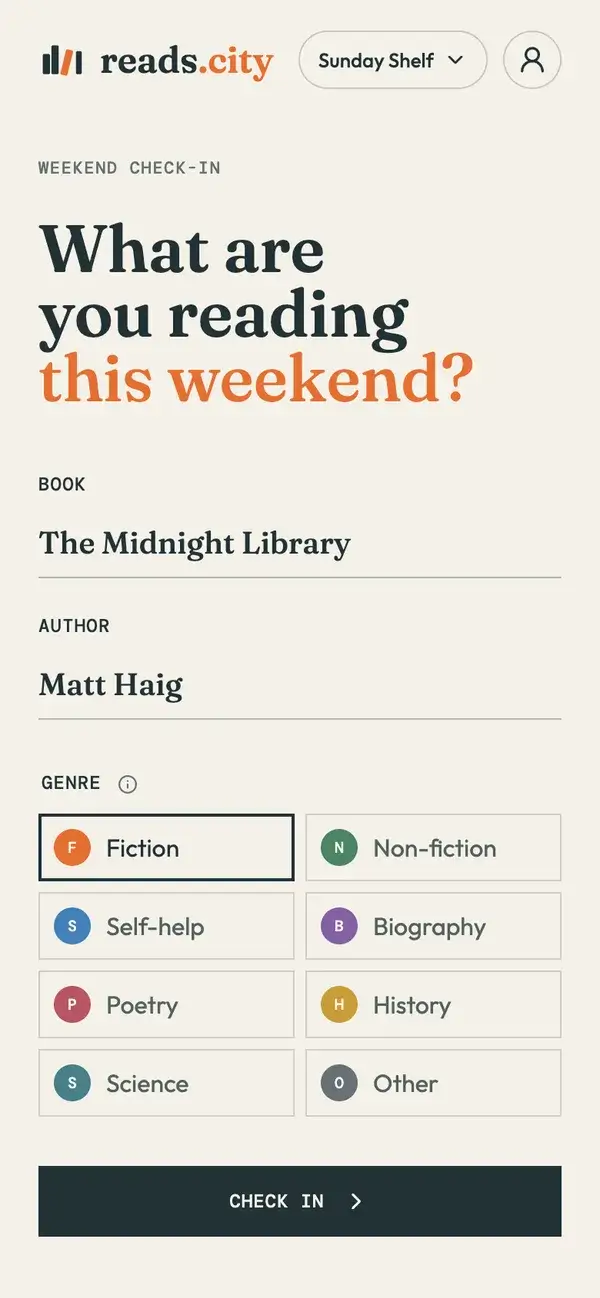
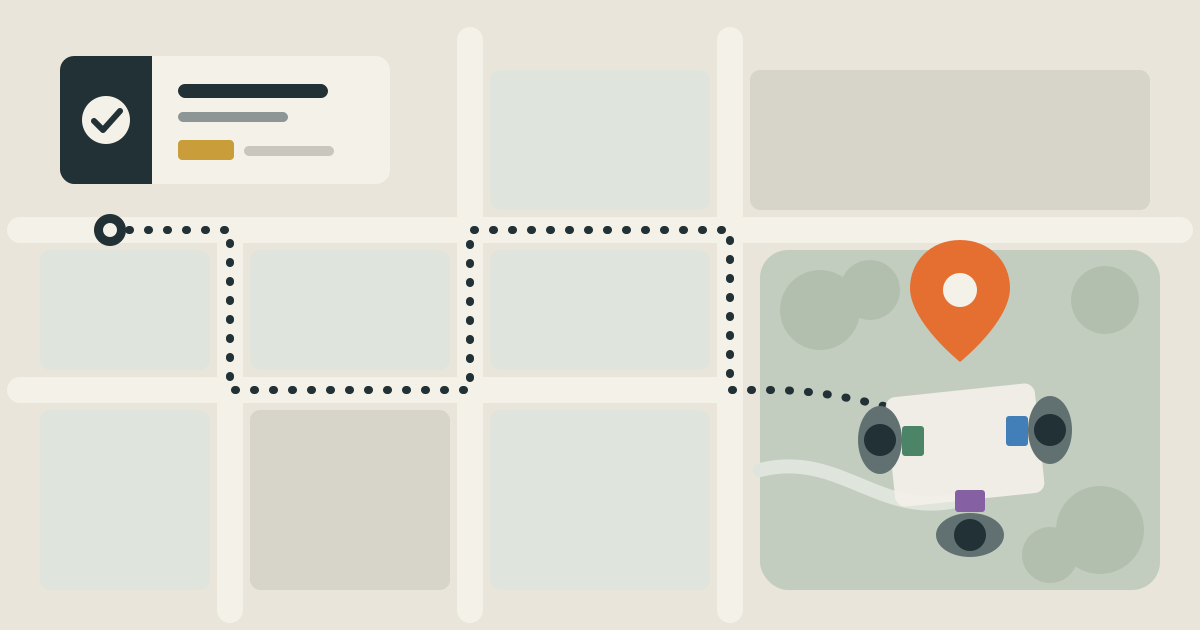
Attend and check in.
Come to your club's meetup, then check in with the book you're reading, its author and its genre.
Discover places to read, books to explore, and reading communities in your city.
See what’s in your cityReading clubs
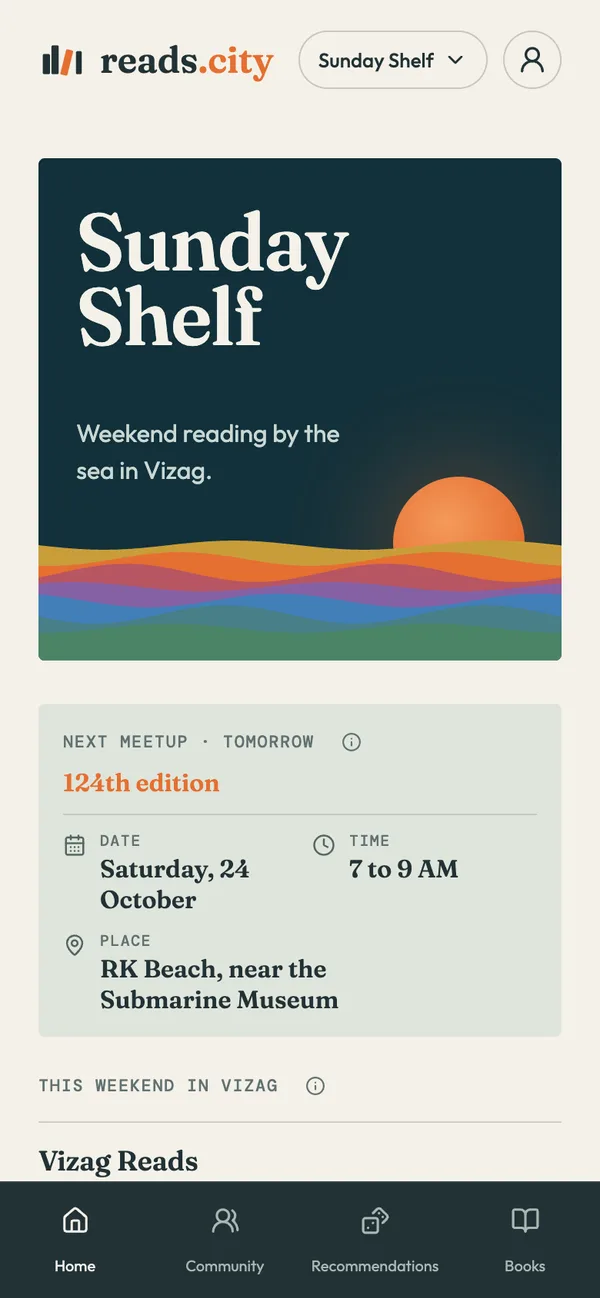
Find a club near you and come along with any book. Open a club below to see where and when it meets, and its meetup instructions.
Book cafes
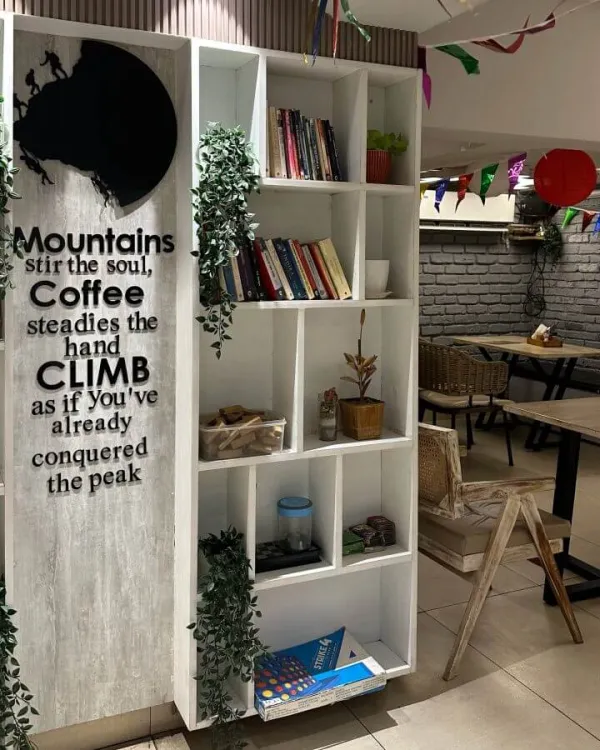
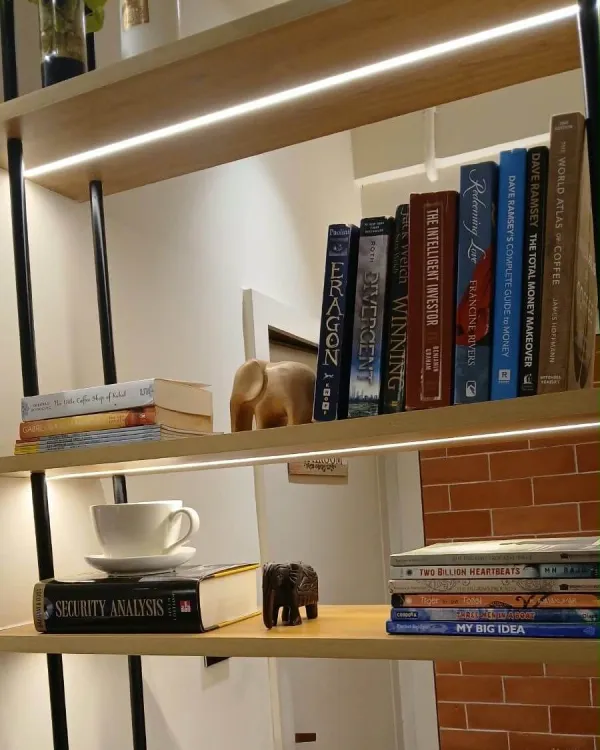
These cafes keep a shelf of books you can read while you’re there. See what’s on each shelf before you go, then order a coffee, pick a book and stay a while.
Reader spotlights
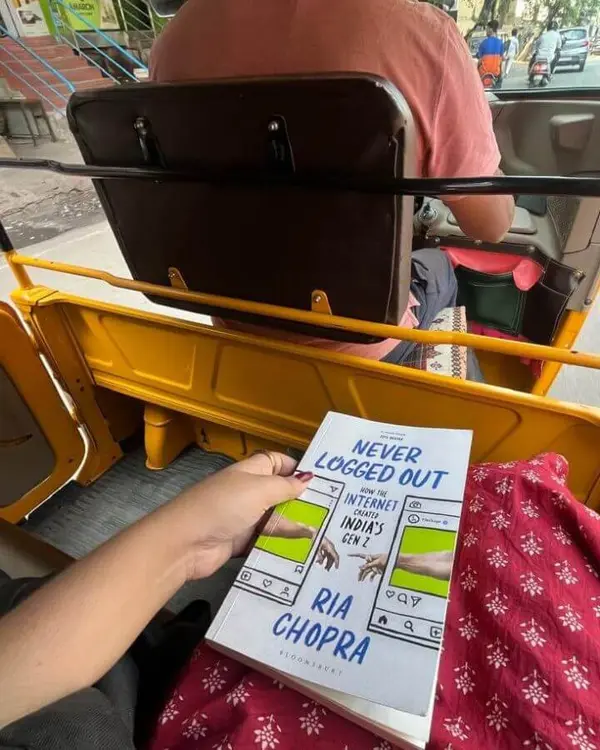
Each spotlight shows a city from a reader’s point of view: where they like to read, the bookshops they love and the books they recommend. A good place to find your next book, or a new corner of town to read in.
How it works
Use reads.city to check in with the book you’re reading, discover the books being read around you, and use your Reading Colour during the group photo. You can also share quotes, exchange book recommendations and find your next read.
Step 1 of 5
Come to your club's meetup, then check in with the book you're reading, its author and its genre.
Step 2 of 5
Put your phone on silent. Everyone reads their own book, in silence.
Step 3 of 5
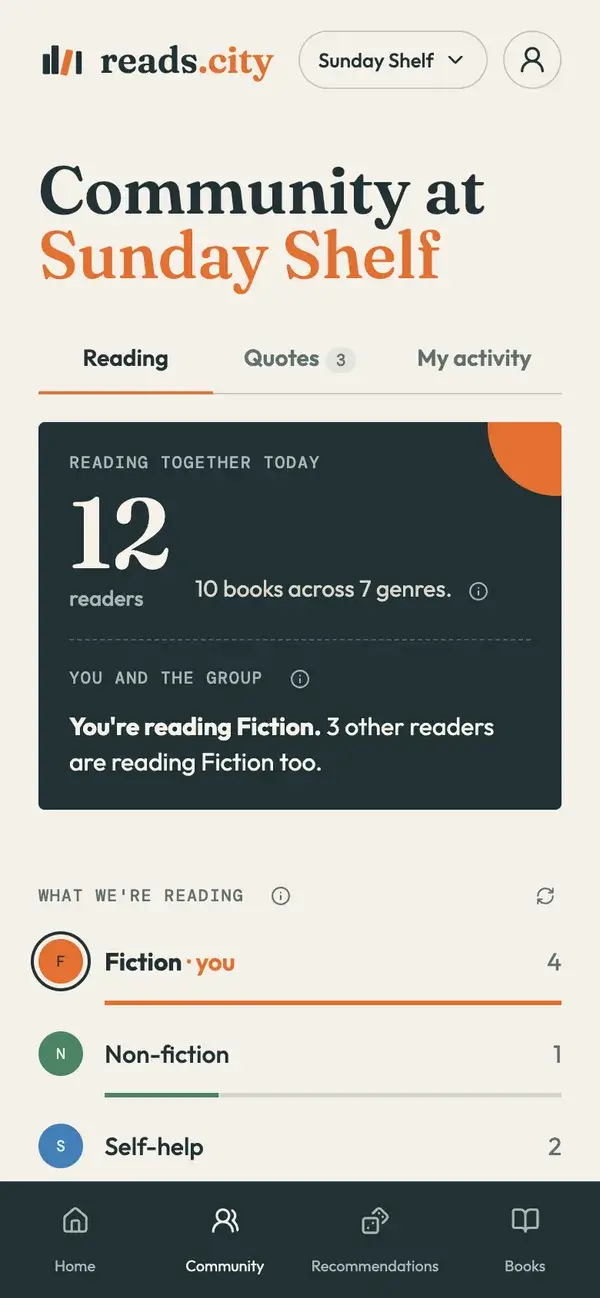
See how many readers came and the books they brought, for ideas on what to read next. Names are never shown.
Step 4 of 5
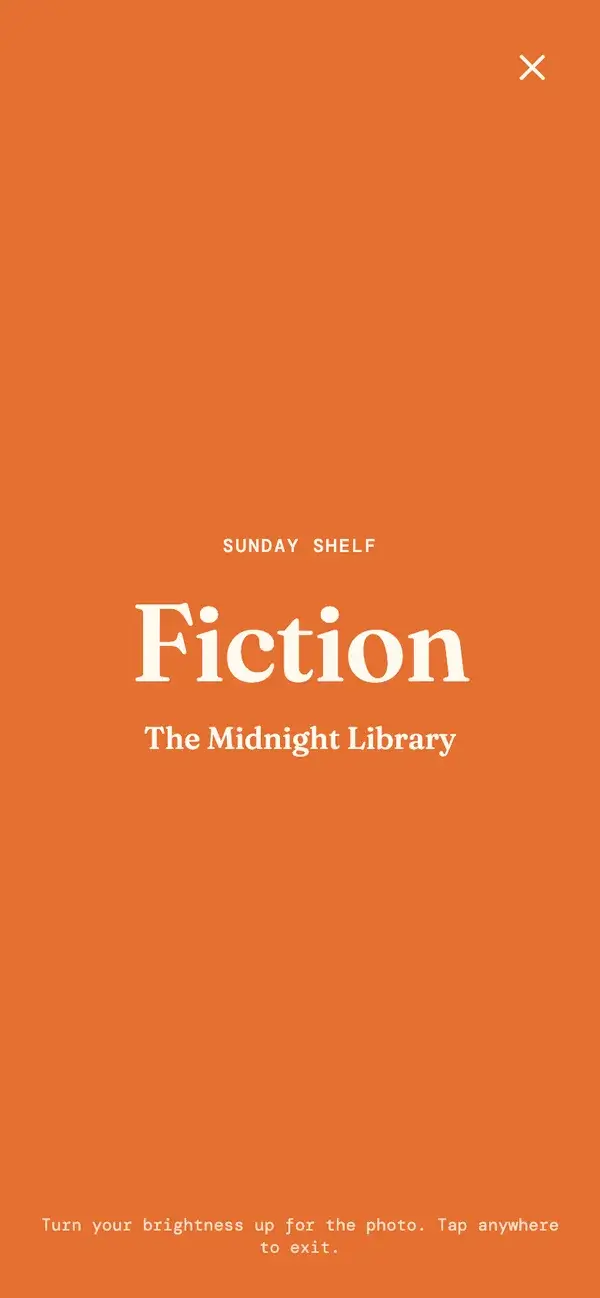
During the group photo, open Reading Colours and hold up your phone. Your screen shows your genre's colour, so the photo shows the mix of genres in the room.
Step 5 of 5
Mark the books you can lend and the ones you want. Swap them in person at your next meetup.
Inside the app
reads.city runs in your phone’s browser, so there is nothing to download. Add it to your home screen and it opens like an app at your next meetup.
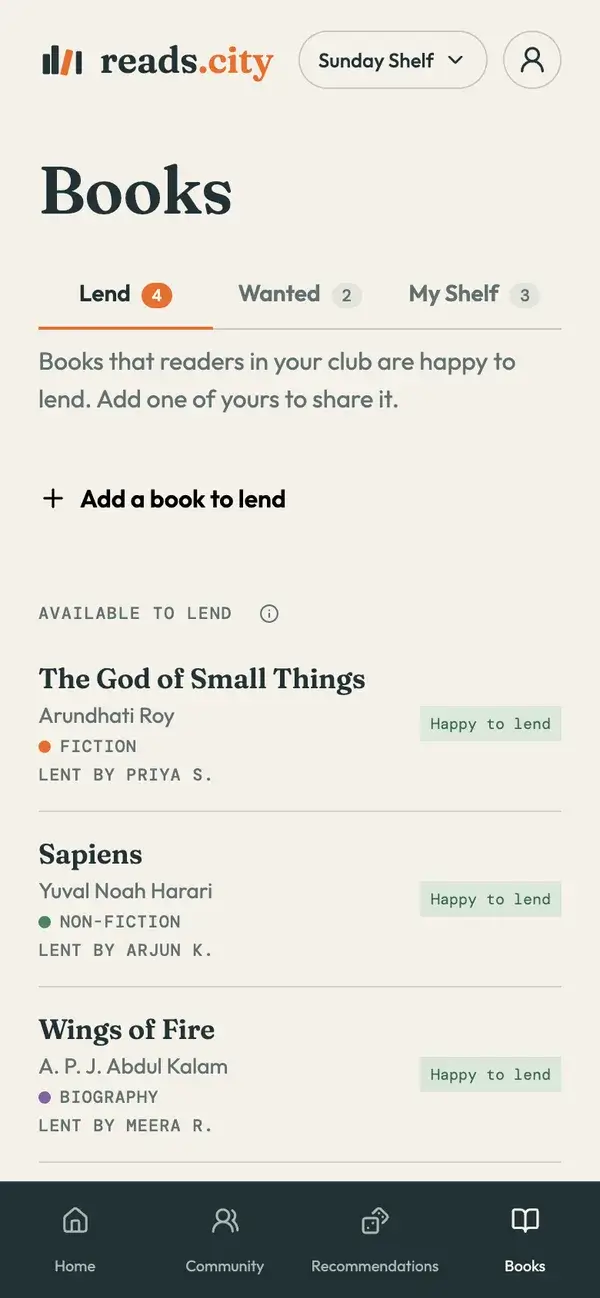
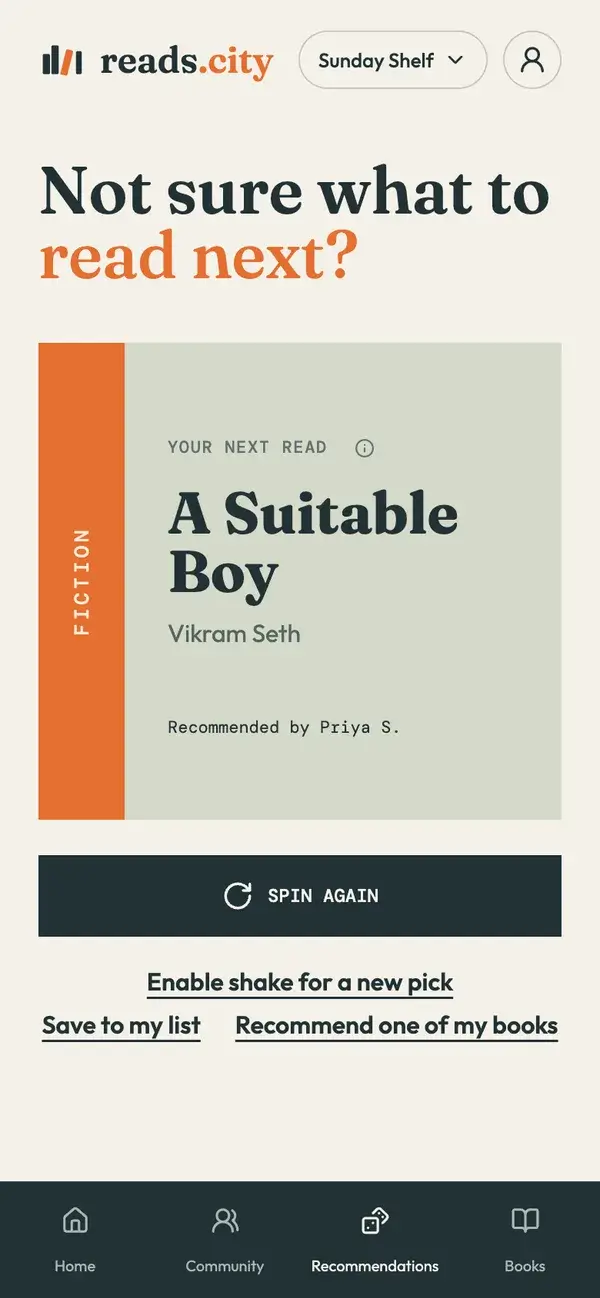
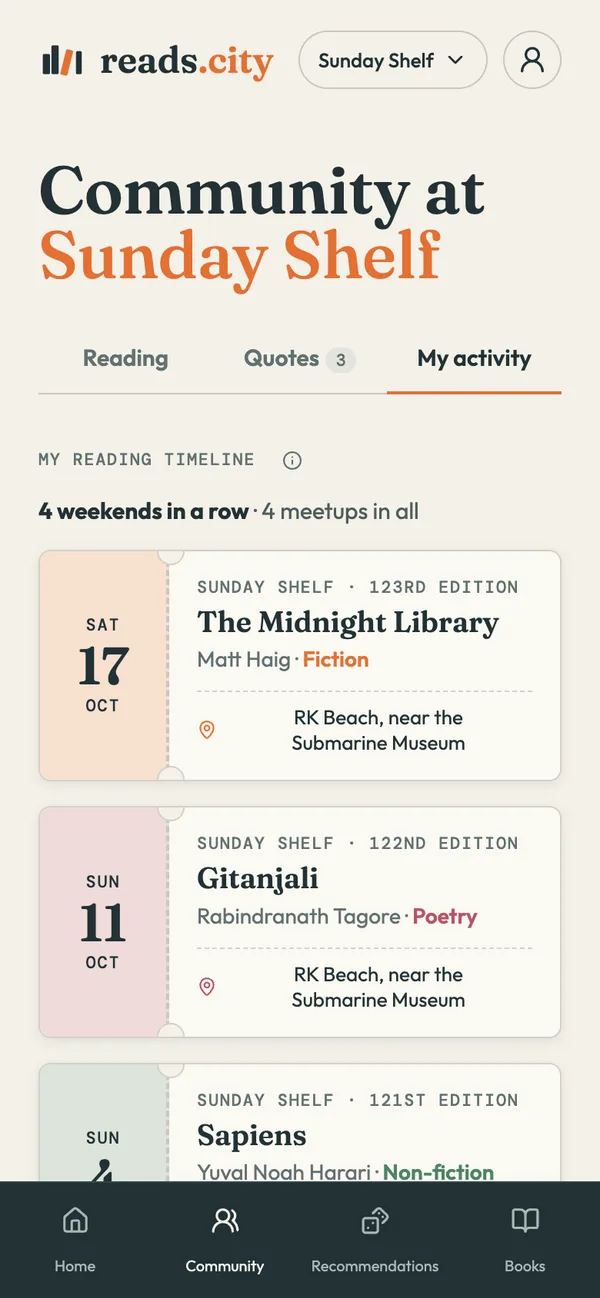
Screens show example data.
You see how many people read each genre, never who is reading what.
Talk to people and swap books in person.
Sign in with Google. No passwords, nothing to set up.
Message us with your club’s name, your city, and when and where you meet. We will set up your page and send you the link.
reads.city is a local reading discovery platform for people who love books, want to read more, or are looking for new ways to enjoy reading. It helps readers discover places to read, books to explore, and reading clubs in their city. Readers find a meetup, check in with the book they are reading and share books, and organizers get a home for their club.
Come to your club’s meetup and check in with the book you are reading, its author and its genre. Put your phone on silent and read your own book. During the group photo, hold up your phone so your screen shows your genre’s colour.
Each genre has a colour. When you hold up your phone in the group photo, your screen shows the colour of the genre you are reading, so the photo shows the mix of genres in the room.
Readers see how many people came and which genres and books are being read. Names of people are never shown, so nobody can see who is reading what.
Yes. Mark the books you can lend and the ones you want to read. Swap them in person at your meetup, with no shipping and no fees.
Yes. reads.city is built for reading clubs and the people who run them. See what organizers get at reads.city/organizers, then message us on Instagram at reads.city, or email hello@reads.city, and we will help you set up your club in your city.
Email hello@reads.city, or message reads.city on Instagram. We read everything and reply as soon as we can.
Sign in with Google. There are no passwords and nothing to set up, and you can check in at your club’s next meetup.
Yes. A city opens with its first club. If you run a reading club, or want to start one, message us on Instagram at reads.city, or email hello@reads.city, with your city and when and where you meet, and we will help you get started.
Bring the book you are reading and your phone for check-in. An e-reader works too. If you do not have a book yet, you can ask another reader to lend you one, but it is better to carry your own, as others may not have an extra book to spare.
Open your city’s page to see its clubs and this weekend’s meetups. Each club’s page shows its next meetup’s date, time and place, with a map link. If no date is listed yet, it will say the date is to be announced.
From the blog
 Ten classics to read aloud with your children
 A library for dance in Malleshwaram, Bengaluru
 What reading fiction does for you, according to the research
 Reading clubs in Chennai: weekend meetups
 Book clubs in Pune: weekend reading clubs
 Are book clubs free? What a reading club costs in India
 How to read more books with ADHD
 reads.city is the new Strava for reading